What NFC is, and why TapStack needs no batteries
4 min read , published
Near-field communication, briefly
NFC stands for near-field communication. It is a family of standards for exchanging small amounts of data over a very short distance, and it grew out of the same radio-frequency identification (RFID) technology used in building access cards. If you have paid with a contactless card or tapped a transit pass at a gate, you have used it.
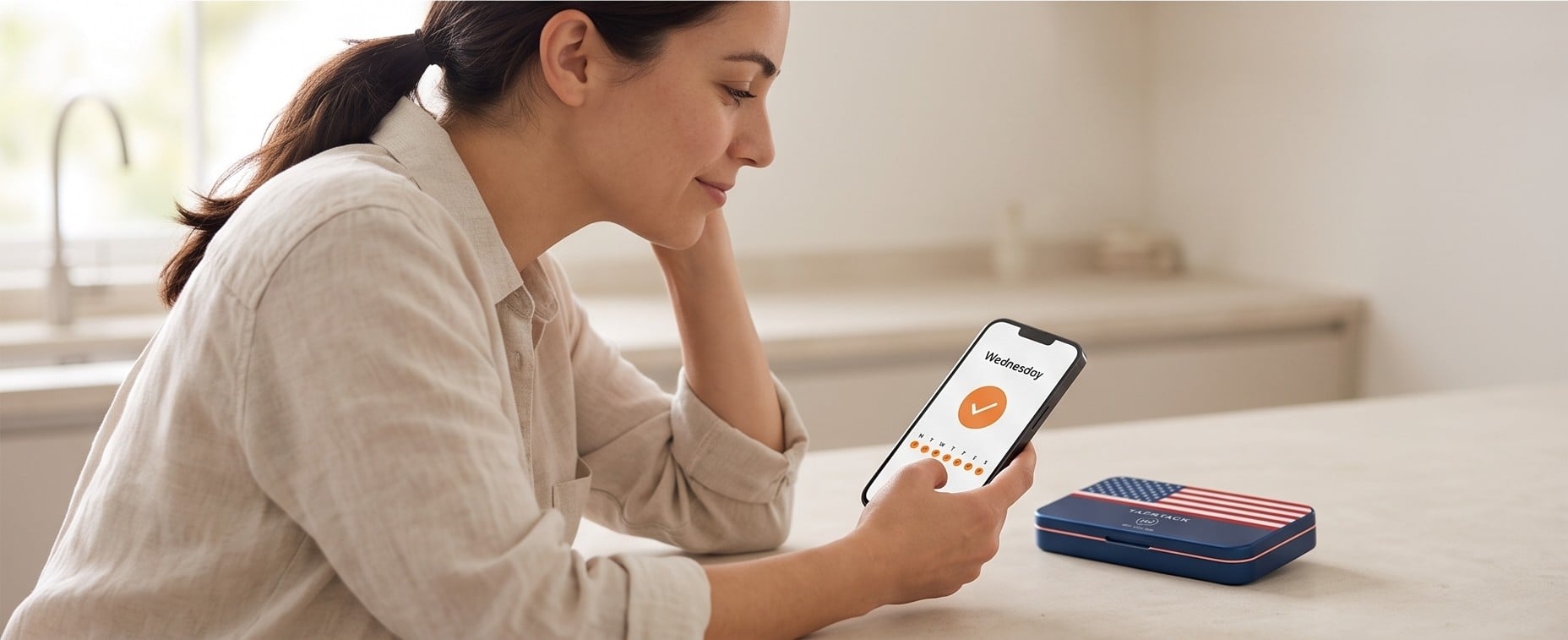
Every NFC exchange has two sides. One is a reader, which creates a small radio field. The other is a tag, which answers when it is inside that field. Your phone is the reader. The badge on the lid is the tag.
Where the power comes from
A passive NFC tag is little more than a coil of wire, which acts as an antenna, and a tiny chip. It has no battery and no power supply of its own.
When you bring a phone close, the phone’s field induces a small current in the tag’s coil. That current is enough to wake the chip, which answers the phone with the information stored on it. Move the phone away and the tag goes quiet again. It is powered only for the fraction of a second it is being read.
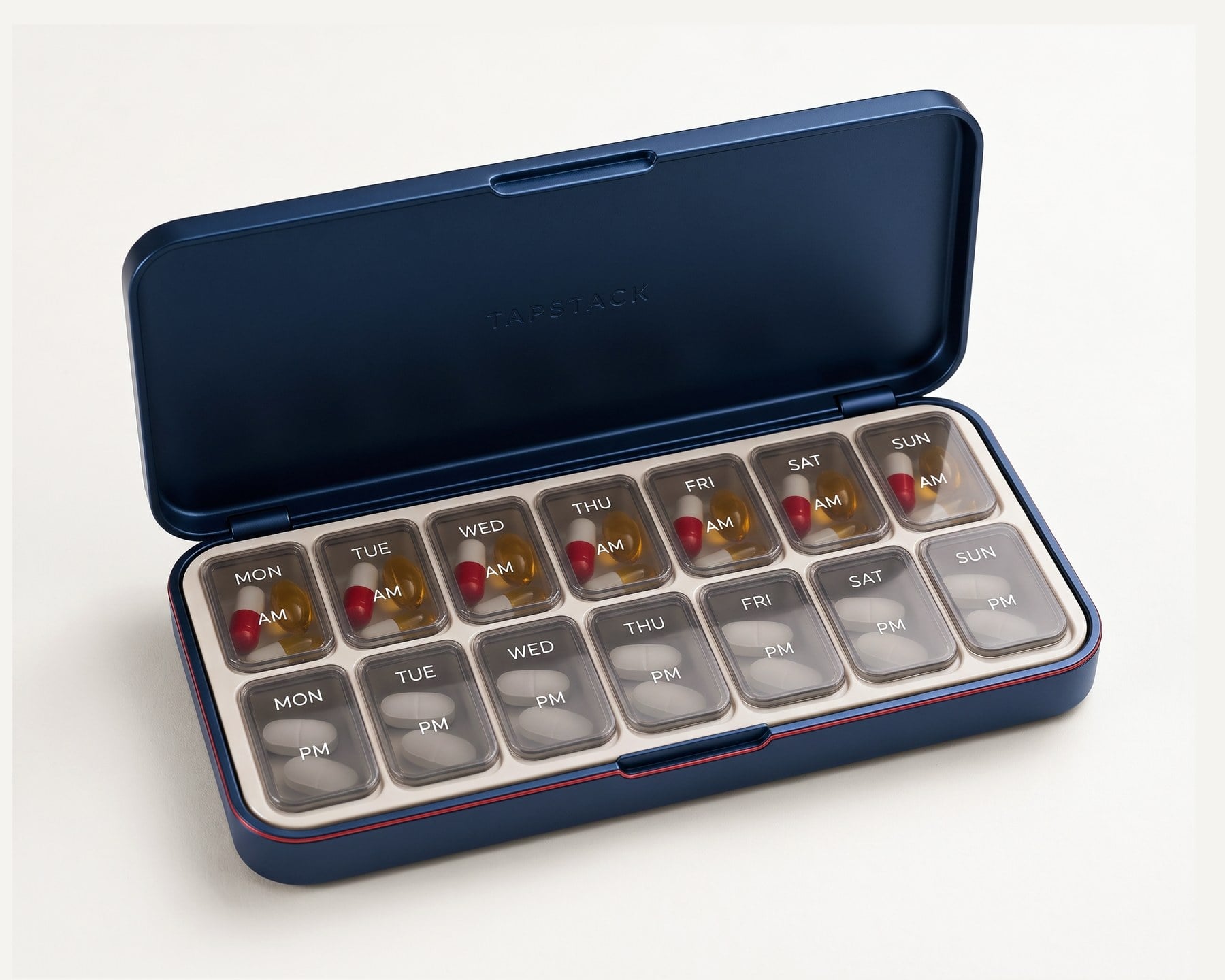
That is why TapStack needs no batteries. The work is done by the phone you already carry, so the box has nothing to charge, nothing to swap and nothing to run flat in a drawer.
Why the range is only a few centimetres
NFC works at a distance of a few centimetres, and in practice most taps happen with the phone touching or nearly touching the tag. The field falls away very quickly with distance, so a tag across the table, or in the next room, simply is not powered.
For a dose log, that is exactly what you want. A tap is a deliberate act. The badge will not register because your phone happened to be nearby, and it does not broadcast anything on its own. A passive tag cannot transmit unless a reader is right next to it, and it has no way of knowing where it is.
Which phones can read it
Most modern smartphones have an NFC reader built in, including recent iPhones and most Android phones. The reader’s antenna sits in a particular spot, and knowing where helps. On iPhones it is near the top edge of the back. On Android phones it varies by model and is often around the middle of the back.
On some Android phones NFC can be switched off in the settings, so if a tap does nothing, check that first.
Getting a clean tap
A few small habits make taps reliable:
- Unlock the phone first; many phones only read tags while the screen is on.
- Bring the antenna area of the phone to the badge and hold it there for a moment rather than swiping past.
- If you use a thick case, or one with a metal plate or magnets, try a tap without it. Metal and magnets can get in the way of the field.
What the tap does
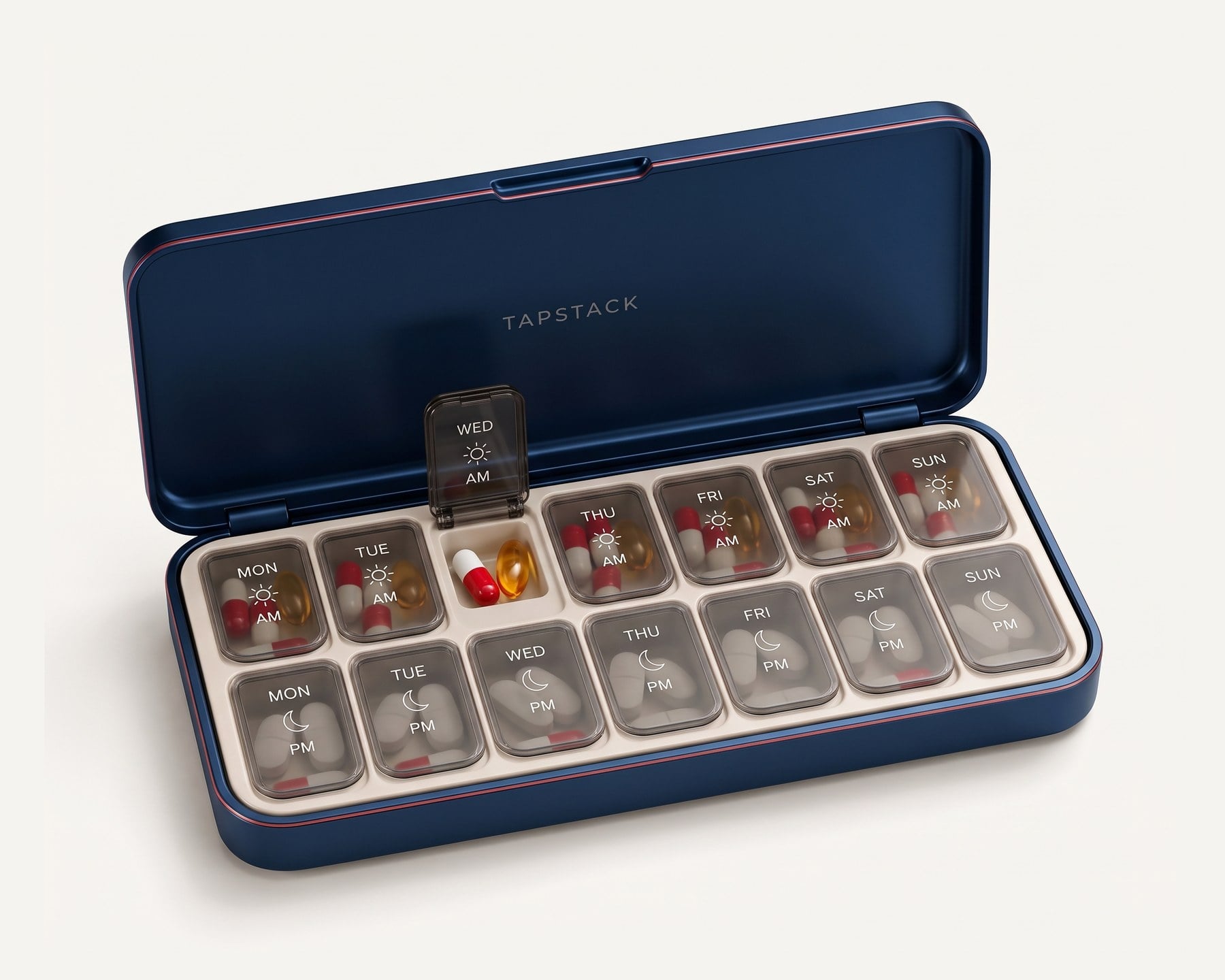
When the phone reads the badge, the dose is logged with the time. That is the whole interaction: press a lid, take what is inside, tap the phone to the lid. Over a week, those taps add up to a simple record of when each dose was taken, so a busy morning does not leave you wondering whether you already did it.
The bottom line
NFC is a short, deliberate conversation between your phone and a tag. The phone supplies the power, the tag answers, and the range is short enough that nothing happens unless you mean it to. That is how a metal box can keep a log without a battery in it.
Questions
Does the badge ever need charging or a new battery?
No. It is a passive NFC tag with no battery. Your phone powers it for the moment you tap.
Can the tag track where the box is?
No. A passive tag has no power of its own and no location hardware. It only answers a phone held a few centimetres away.
My tap didn’t register. What should I try?
Unlock your phone, make sure NFC is switched on if your phone has a setting for it, and hold the phone’s antenna area still against the badge for a moment. A thick or metal case can also get in the way.